

7 min read
⏱ 7 min read
Real AI ROI comes from redesigning entire workflows around AI capabilities rather than just automating individual tasks within existing processes. Task-level automation typically saves 10-15% of time, while workflow redesign can deliver 40-60% efficiency gains. This guide shows you how to rethink your workflows for maximum AI impact.
You have four AI subscriptions. You use them every day. You’re still behind. This is more common than the productivity influencers will tell you. The tools are functioning exactly as advertised; the problem is architectural.

Most professionals have layered AI onto their existing workflows like a faster engine bolted onto a car with a broken transmission. The speed is there. The results aren’t.
The AI Vending Machine Trap
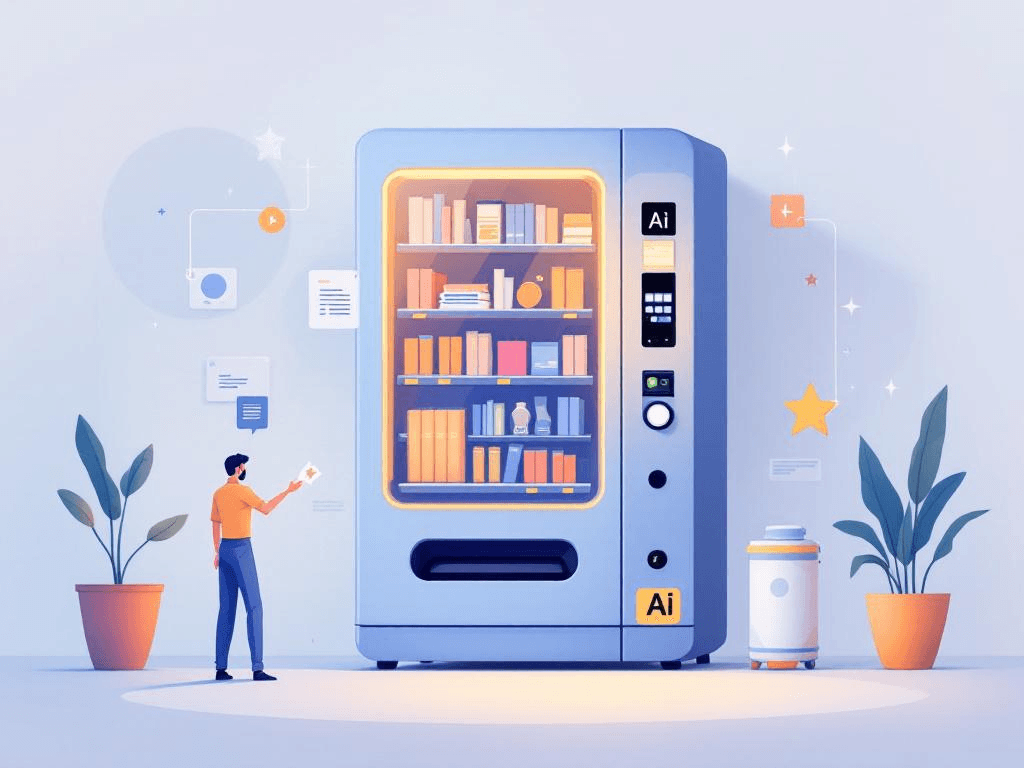
There’s a name for this pattern: the AI vending machine trap. You approach each tool with a specific task, get your output, move on. Write this email. Summarize this report. Transcribe this call. Each transaction works. But the underlying sequence of work; the handoffs, the decision points, the recurring bottlenecks; stays exactly as it was.
You’ve automated the steps. You haven’t questioned the staircase.
This distinction between task automation and workflow optimization is where much of the real ROI from AI tools for professionals lives. Task automation makes existing steps faster. Workflow optimization asks whether those steps should exist in their current form at all. The first is easier to implement. The second is where compounding gains can come from.
The Case Against “Just Automate It”

The case against “just automate it” isn’t philosophical. It’s practical. When you automate a broken process, you get broken output faster. This isn’t a knock on AI; it’s a systems problem.
If your client onboarding involves six follow-up emails because your intake form collects the wrong information, using AI to write those follow-ups faster doesn’t fix the intake form. It just makes the inefficiency more efficient.
The deeper issue is how AI tools are marketed. They’re sold by feature: summarize, generate, transcribe, translate. So professionals default to plugging them into existing habits at the task level. The tool becomes a faster version of what you were already doing, which is genuinely useful, but it captures a fraction of the available leverage.
Professionals who redesign their workflows around AI rather than just adopting tools often report time savings that meaningfully exceed what individual task automations produce. The gap can be substantial. Redesigning a single high-frequency workflow may save more time per week than several individual task automations combined, because you’re changing the shape of the work, not just the speed.
The Repetition-Judgment Framework
So where does AI actually create leverage? A simple diagnostic helps. Think about your work across two dimensions.
The first is repetition: how often does a given task recur? Daily and weekly work sits at one end; one-off projects at the other. The second is judgment intensity: how much contextual, nuanced thinking does the task require? Formatting a spreadsheet is low-judgment execution. Deciding whether to take on a new client is high-stakes decision-making.
Map those two axes and four zones emerge:
High Repetition + Low Judgment
Prime automation territory. Formatting, scheduling, data entry, templated communications; these are tasks AI handles well and humans should mostly audit. The ROI is fast, the setup is simple, and the risk of error is manageable. Most professionals are already here.
High Repetition + High Judgment
This is where workflow redesign lives. Client proposals, performance reviews, project scoping calls; these recur constantly and require real thinking each time. AI works well as a first-draft collaborator here, compressing the time to a working draft that a human then refines.
But the more important question is upstream: why does this task recur so frequently? Sometimes the answer is that an earlier decision point is poorly designed, and fixing that reduces the frequency of the high-effort task entirely.
Low Repetition + Low Judgment
Usually not worth the integration overhead. If you do something once a quarter and it takes 20 minutes, building an AI workflow around it costs more than it saves. Manual is fine.
Low Repetition + High Judgment
Strategic planning, novel problem-solving, decisions with long-term consequences; this is where AI works well as a research and synthesis layer. Use it to compress the information-gathering phase aggressively. Protect the actual thinking phase. The goal is to arrive at the hard decision faster, not to outsource the decision itself.
Here’s the pattern worth paying attention to: many professionals over-invest AI attention in the first zone (easy wins, lower leverage) and under-invest in the second (harder to configure, potentially higher ROI).
The framework isn’t complicated, but applying it requires honesty about where your time actually goes. Map your last ten work tasks onto this grid. Where are you spending AI time? Where aren’t you?
Three Workflow Integration Patterns
Three integration patterns consistently shift workflow in ways that task automation often doesn’t.
1. The Intake Filter
Place AI at the front of a workflow before a human ever touches it. A freelance consultant routes all inbound project inquiries through an AI tool that drafts a preliminary brief, flags missing information, and suggests a rough project tier based on scope signals. By the time the consultant opens their inbox, the raw request has been processed into something actionable.
A lengthy intake conversation becomes a much shorter review. The human hasn’t moved faster through the same process; they’ve entered the process at a different point entirely.
2. Draft-and-Diverge
Use AI as a thinking accelerator in the middle of a workflow, before a team or individual makes a decision. A small agency generates three distinct strategic options for a client problem using AI before the internal kickoff meeting. The meeting no longer starts with “what should we do?”; it starts with “which of these directions fits what we know about this client?”
That’s a fundamentally different conversation. It’s faster, more focused, and can produce better decisions because divergent thinking has already been compressed. AI handles the generation; humans own the convergence.
3. The Async Handoff
Use AI to bridge gaps between people, time zones, or working sessions. A remote team routes every meeting through an AI summarization tool that produces structured notes with explicit decision logs and action items, formatted so the next person in the chain can act without scheduling a sync call.
This matters because getting people up to speed between sessions; re-explaining context, reconstructing decisions, re-litigating closed questions; can consume a significant share of knowledge work time. AI doesn’t just document the meeting; it translates context into a form that makes the handoff more self-contained.
What these three patterns share: they change when or why a human enters a workflow, not just how fast they move through it. That’s the difference between optimization and acceleration.
The Real Costs of Workflow Redesign
None of this is free, and it’s worth being direct about the costs.
Mapping takes time. Workflow redesign requires documenting your current process before you can improve it. Budget two to four hours of honest documentation before you touch a tool; what actually happens, in what sequence, where the friction is, and what decisions live where. Skipping this step is a common reason AI integrations underperform. You can’t optimize a process you haven’t described.
Tool sprawl is a real risk. Redesigning workflows often creates the temptation to add more tools; one for intake, one for drafting, one for handoffs, one for summarization. The better move is often going deeper on fewer tools. Many professionals find more leverage from mastering two AI tools than from lightly using six. Factor this into your evaluation before subscribing to anything new.
Not every workflow is a candidate. Some workflows are already efficient enough that AI integration has negative ROI. If the setup time exceeds the time saved over a realistic horizon; say, six months; the answer is no. This is fine. Not every workflow is a candidate, and recognizing that is part of using AI tools well.
Learning curves are uneven. Some AI tools require significant prompt engineering or configuration to produce reliable output. Others work well out of the box. The subscription cost is rarely the real cost; the time required to make a tool work consistently is. Build that into your math.
How to Start: The Audit-First Sequence
If you’re starting today, the sequence matters more than the tool choice.
Start with an audit, not a subscription. Spend an hour listing the ten tasks you do most frequently. Score each one on repetition and judgment intensity. You’re looking for the high-repetition, high-judgment items; the ones that recur weekly and require real thinking.
Pick one. Then map that single workflow end-to-end before introducing any AI. Where does it start? What information needs to exist before it can proceed? Where do handoffs happen? Where do you lose time waiting, re-explaining, or reworking? Document this in plain language; a page is enough.
Run a two-week test with one AI integration point in that workflow. Not the whole workflow; one point. Measure time saved, error rate, and output quality honestly. If the numbers support expanding the integration, do that. If they don’t, the workflow told you something useful.
The real productivity gains from AI tend to concentrate in redesigned workflows rather than accelerated tasks. Pick a single high-frequency process you’ve never formally mapped. Start there. The leverage compounds from that one decision.
Want to learn more? Explore our latest articles on the homepage.
Enjoyed this ai tools for professionals article?
Get practical insights like this delivered to your inbox.
Subscribe for Free